


The AI rollout already happened
Most organizations spent the last two years debating an AI strategy while their employees quietly picked one. Finance uses Copilot. Sales lives in ChatGPT. Engineering works in Claude. The licenses are paid for, the habits are formed and the tools are trusted by the people who use them every day.
What those tools lack is the business. They cannot see the ERP, the TMS, the policy admin system or the on-prem database where the real answers live. So employees fill the gap themselves: exporting spreadsheets, pasting data into chat windows and retyping answers into systems of record. That workaround is slow, and it is how sensitive data leaves the building.
Business AI does not require a new AI client. It requires a safe, shared connection between the clients you already have and the data your business runs on.
The premise worth questioning
The instinct in many IT organizations is to fix this with something new: choose one enterprise AI platform, migrate the data into it and ask everyone to switch. That approach has real appeal. One vendor, one contract, one place to govern.
But it asks people to give up tools they already prefer, and it often starts with a data migration that takes quarters before anyone sees value. McKinsey’s recent research on the AI operating system makes the opposite case: leave data where it is, build on the technology you have already paid for, and own the business context rather than any single tool. The simplest path to business AI does not replace the AI clients in place. It connects them.
Connect once, use everywhere
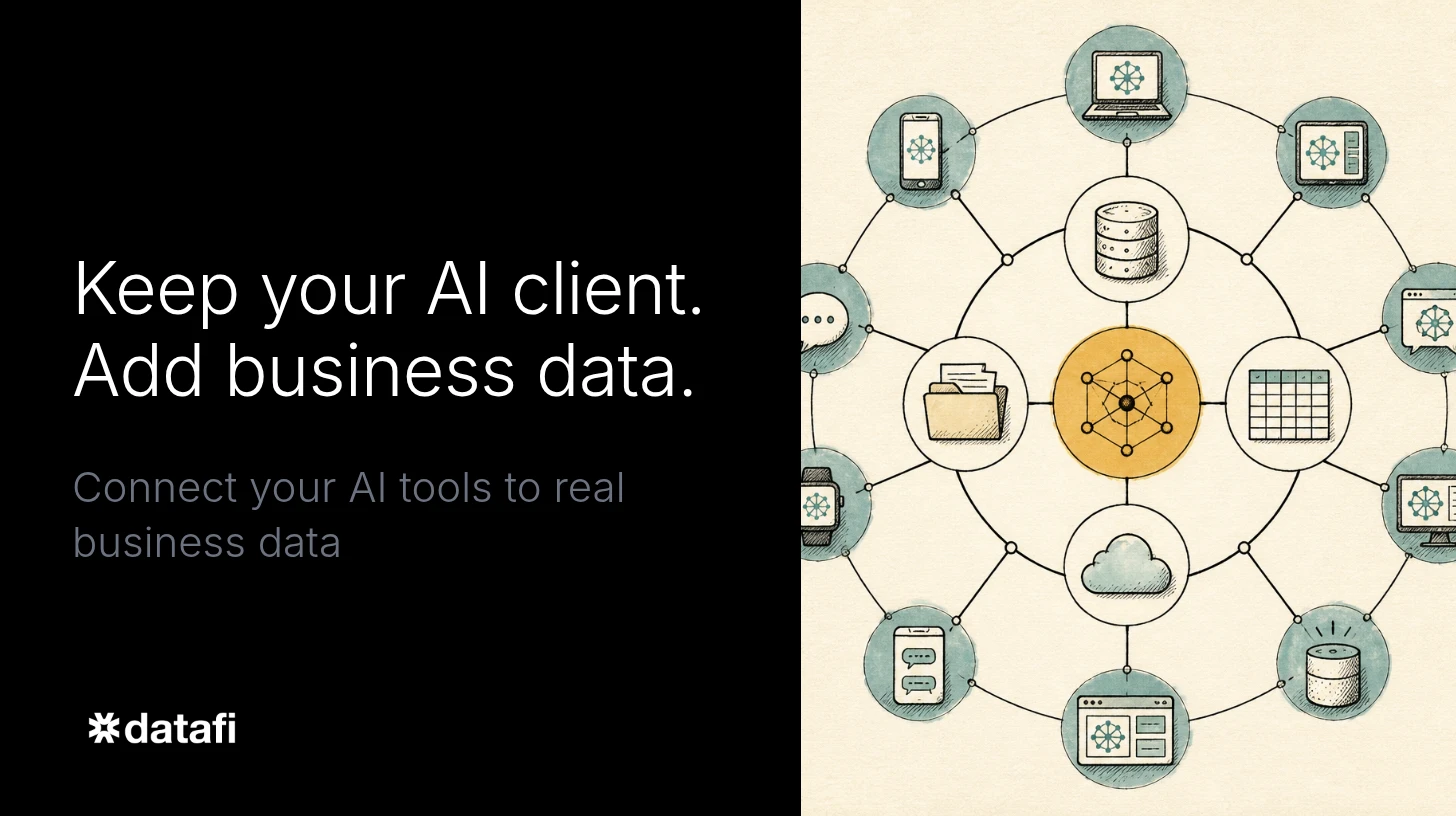
Datafi sits between the AI clients your people use and the systems your business runs on. Copilot, ChatGPT, Claude and Gemini all support MCP, the open protocol that lets an AI client call outside tools. Datafi connects to your systems once and to each AI client once. For the employee, nothing changes except what their assistant can now do.
-
No new tool to adopt. Employees keep working where they already work, including Teams. Groups without an enterprise AI client can use Datafi Business Chat or the Datafi browser extension.
-
No data to move. Datafi reads ERP, CRM, TMS, HRIS, cloud and on-prem databases, legacy systems and file shares live, as they are today. And the messaging platforms where the business knowledge exists and where communications happen.
-
No integration project per client. One connection serves every AI client, so adding a second or third client adds no new integration work.
Safe by design, not by policy memo
Connecting AI to business data is only simple if it is also safe. Every request that reaches Datafi passes through the same controls, whichever client sent it.
-
Per-user access. Control Tower checks each request against who is asking, down to the row. The AI never sees more than the person does.
-
Data stays put. Nothing is copied into a new repository. Data is read live from the source and stays in your environment.
-
One audit trail. Every question, answer and action is logged in one place, across every client.
-
Shared business context. Your terms and metrics mean the same thing in every tool, so two departments asking the same question get the same answer.
This is also the most practical answer to shadow AI. Blocking consumer AI pushes the behavior underground. A governed path inside the tools people already like removes the reason for the workaround. Teams can start read-only, with one group on one dataset, and expand as confidence grows.
Business AI, in the tools you already have
Once connected, everyday AI clients do work that no single assistant or single system could do alone.
-
A sales rep asks Copilot which accounts have overdue invoices and a shipment this week, and the ERP and TMS answer together.
-
A merchandising lead asks for a year-to-date inventory and sales report by department, and Datafi assembles it from six live sources, including the ERP, point of sale and email, with nothing copied.
-
An operations lead builds an agent in Claude, using the MCP tools available through Datafi, that checks shipments, drafts customer replies and flags decisions for a person to approve, updating records only where policy allows.
That last example is where answers become outcomes. With Datafi Activate, teams describe the work, refine it in Studio and deploy it to colleagues, with Runtime running it and Control Tower logging every step. Because the AI client integration is already in place, custom agents and workflows build on the Datafi platform instead of on a separately assembled stack.
Why this matters now
In my work with data and AI, the pattern is consistent. AI earns a role in critical work when it has the full context of the business, access to the complete data ecosystem and controls that leadership trusts. Most organizations already have the piece their people care about most: an AI client they like. What has been missing is a safe way to give it the business. That is the gap Datafi closes, for organizations of any size and for every employee in them.
Start with what you have
A Datafi launch workshop connects one dataset, sets your first policies and puts a real use case into production in three days or less, with zero data migration.
Plan a launch workshop or request a shadow AI risk review.
Datafi is the Pragmatic AI Company. Datafi connects the AI clients your people use to your business data, with governance built in. Learn more at datafi.co.